
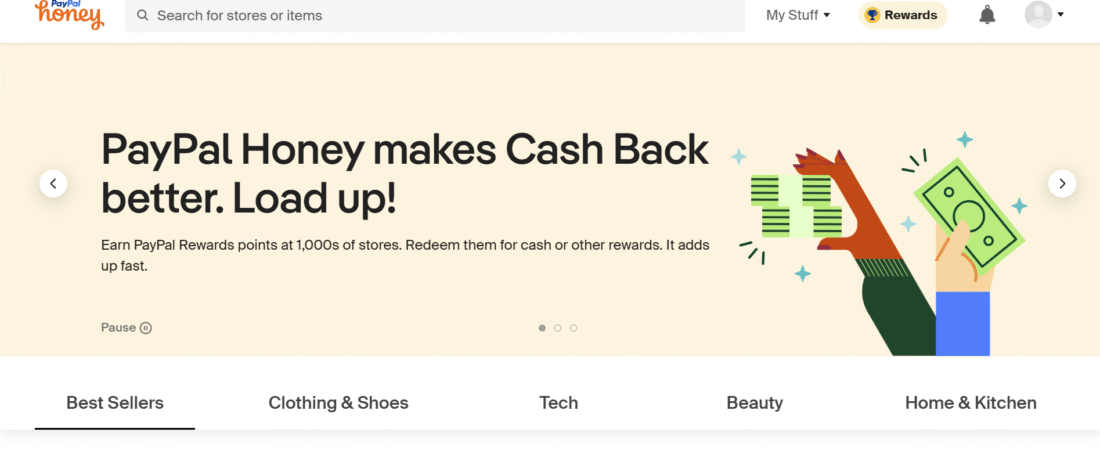
Let’s face it, nobody likes paying full price. But scouring the internet for working promo codes can feel like playing a game you’re meant to lose. Ever entered ten different coupon codes at checkout only to get hit with “INVALID” every single time? We’ve all been there.
Enter Honey, your new best friend for online shopping. This clever little browser extension quietly works in the background, hunting down promo codes and applying them automatically at checkout. It’s like having a personal assistant who’s only job is to save you money… and who doesn’t need a lunch break.
Ready to become a smarter, savvier online shopper? Let’s break down exactly how to use Honey to unlock hidden discounts, and why it might just become your favorite browser hack.
What Is Honey?
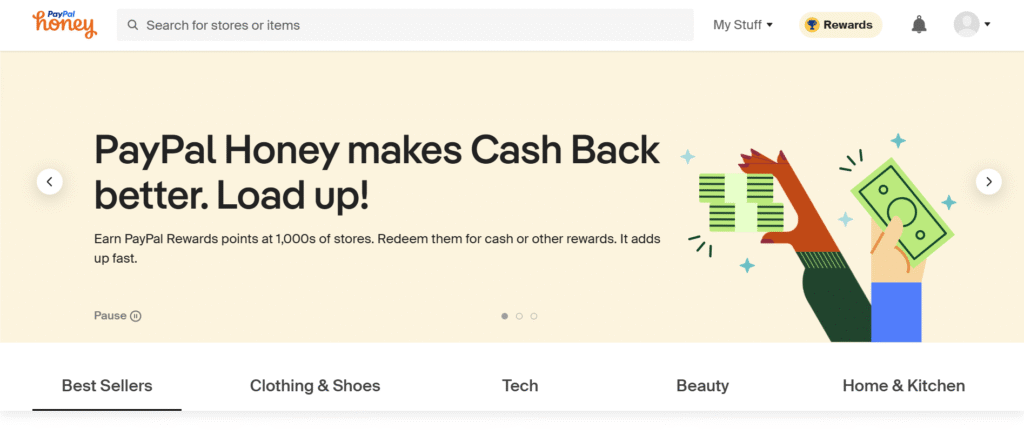
Honey is a free browser extension that finds and applies the best coupon codes for over 30,000 online stores, from Amazon to Adidas and everywhere in between. Once installed, it runs silently in your browser until you’re ready to check out, then swoops in like a bargain-hunting ninja.
It works on:
- Chrome
- Firefox
- Safari
- Edge
- Opera (yes, even Opera)
Is it safe?
Yep. It’s backed by PayPal, which bought Honey for $4 billion in 2020. Not exactly chump change.
How to Install and Set Up Honey
Installing Honey is about as easy as buying snacks you don’t need during a late-night Amazon binge.
Here’s how:
- Go to the Honey link here.
- Click “Add to [Your Browser]”.
- Follow the install prompts.
- Optionally, create a free account to unlock bonus features like cashback and Droplists.
💡 Pro tip: Honey works on mobile too via its app or the PayPal app!
How Honey Works at Checkout
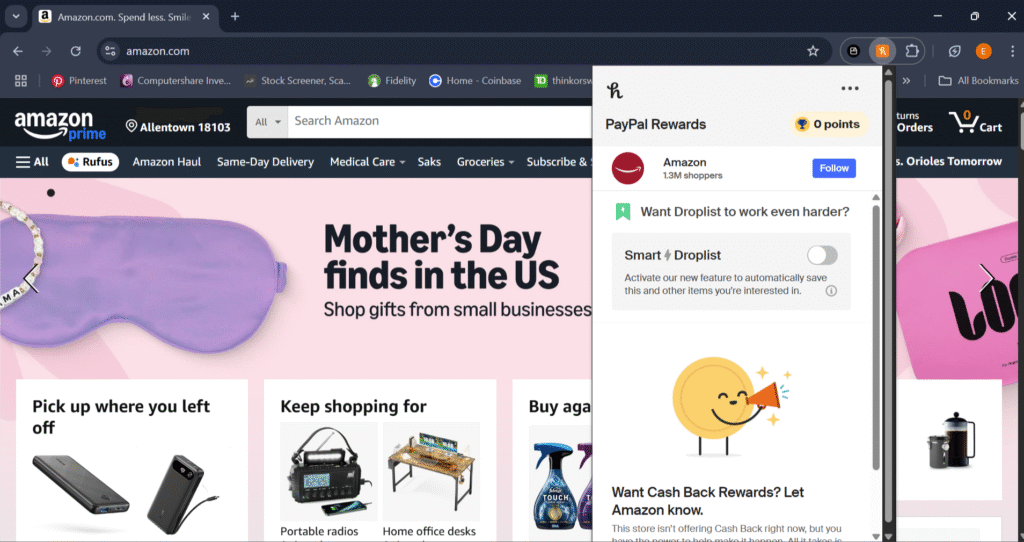
Picture this: you’re on your favorite site, cart full, finger hovering over the checkout button. Honey suddenly appears in the corner like a golden retriever with a coupon in its mouth.
Click “Apply Coupons”, sit back, and let Honey run through every available code in seconds. If one works—boom—instant savings.
Honey also offers a feature called Droplist, which lets you track price drops on items you’re eyeing. When the price drops, you get notified. It’s like price stalking, minus the restraining order.
Hidden Features That Save Even More
1. Honey Gold
Get rewarded with Honey Gold (a cashback-style reward) on qualifying purchases. Redeem it later for free gift cards to stores like Amazon and Target.
2. Amazon Price Comparisons
Honey tracks price history on Amazon listings and tells you if the product was cheaper before—or if another seller has it for less. No more falling for fake “deals.”
3. Cashback & Referral Bonuses
Some stores offer cashback when you shop through Honey. Plus, refer your friends and you both get rewarded. That’s what I call squad savings.
Tips to Maximize Savings with Honey
- 💸 Double Dip: Use Honey with cashback platforms like Rakuten or TopCashback.
- 🛍️ Time It Right: Use Honey during big seasonal sales for max results.
- 🎓 Stack It: Combine with student or first-time discounts for deeper savings.
Common Questions & Misconceptions
Does Honey slow down my browser?
Not really. It’s lightweight and runs quietly in the background.
Is it safe?
Yes. Honey doesn’t sell your data or track anything beyond shopping-related activity. It’s owned by PayPal, so it’s legit.
Why do some codes fail?
Coupons can expire fast or be product-specific. Honey tries every known code, but sometimes stores change them too often to keep up.
Final Thoughts: Is Honey Worth It?
If you shop online more than once a year, Honey is a no-brainer. It’s free, takes seconds to install, and saves money on autopilot.
No effort. No sketchy websites. Just cold, hard discounts.
Ready to Start Saving Instantly?
Don’t just window shop. Grab the savings with one click.
➡️ Click here to install Honey now and start finding hidden promo codes like a total pro.
Your future self—and your bank account—will thank you.